Drop an idea in the chat
Every project has a Second Brain: a chat split into topics. Messages, files, links, @mentions and voice notes go into the topic they belong to.


Sign in withFree tier, no card
Deciding things in chat all day. Nobody remembers what was agreed.
A team chat channel where a decision to drop the legacy card form gets buried under unrelated messages. Days later the team argues about what was decided. Decisions live in a DM, a thread, a voice note, everywhere, and nobody's job is writing them down. Polaris had saved it as a log and a task.
Most ideas never leave the chat they started in. In Polaris you drop them in, turn the ones that matter into work, and track them with their why attached.
Every project has a Second Brain: a chat split into topics. Messages, files, links, @mentions and voice notes go into the topic they belong to.
Hover any message and convert it into a task, a meeting or a log. Not sure which? Ask the AI to suggest one.
Kanban, table or Scrum with sprints. Every task keeps a link back to the message it came from.
Connect Google or Microsoft and your meetings land in the project’s Meetings tab. Show a meeting to the team, or keep it private and they only see you’re busy.
It reads your project's chat and does the filing for you. Nothing changes until someone on the team approves it.
One click asks what a message should become: a task, a log or a meeting agenda item.
Example: Mariam asks in #payments for Apple Pay before launch. The AI suggests a task, “Add Apple Pay to checkout before launch”, for Omar K. with high priority, and waits for someone to approve it or make it a log.
Every team plans differently. When you create a project, choose how it runs. Polaris sets up the board, the columns and the statuses before your first task.
Plan in sprints from a real backlog. Work that moves out, carries over or sneaks in mid-sprint gets tagged, so nothing slips quietly.
Learn more ▸For continuous work with no sprints. Ideas wait in the backlog, the next ones line up in Ready, and the team pulls work when it has room.
Learn more ▸For teams that just need work to move. Every task goes To do, In progress, Done, with no sprints or planning lanes to manage.
Learn more ▸Start from a template for your field: Design & Creative, Engineering, Finance, Human Resources, Marketing, Software, or General for anything cross-functional.
No. Most teams keep Slack for social chat and move project talk into the Second Brain, where it can turn into work.
Never. It proposes, and a person approves, edits or dismisses each suggestion.
Ideas don't need a type when they arrive. Your team keeps talking, and Polaris turns the conversation into work you can track.
Every project has a Second Brain, a chat where ideas land the way they arrive. Text, voice notes, files and @mentions.
One click asks what a message should become: a task, a log or an agenda item. The AI proposes, you approve.
Kanban, table or Scrum. Every task keeps its sprint history: what was added mid-sprint, carried over or moved out.
Logs keep what was decided and why, linked back to the message it came from. The AI writer drafts the entry.
Full Arabic and right-to-left, and a Sunday to Thursday work week.
Send any chat message to the next meeting's agenda. Notes and follow-ups land back in the project.
Tag work by Payments, Onboarding or Site B once. The same lens filters chat, tasks, logs, meetings and files.
Specs, designs and drawings stay versioned in the project, so nobody builds from last month's file.
Set your own task and log types, statuses, meeting types and team roles, so Polaris speaks your team's language.
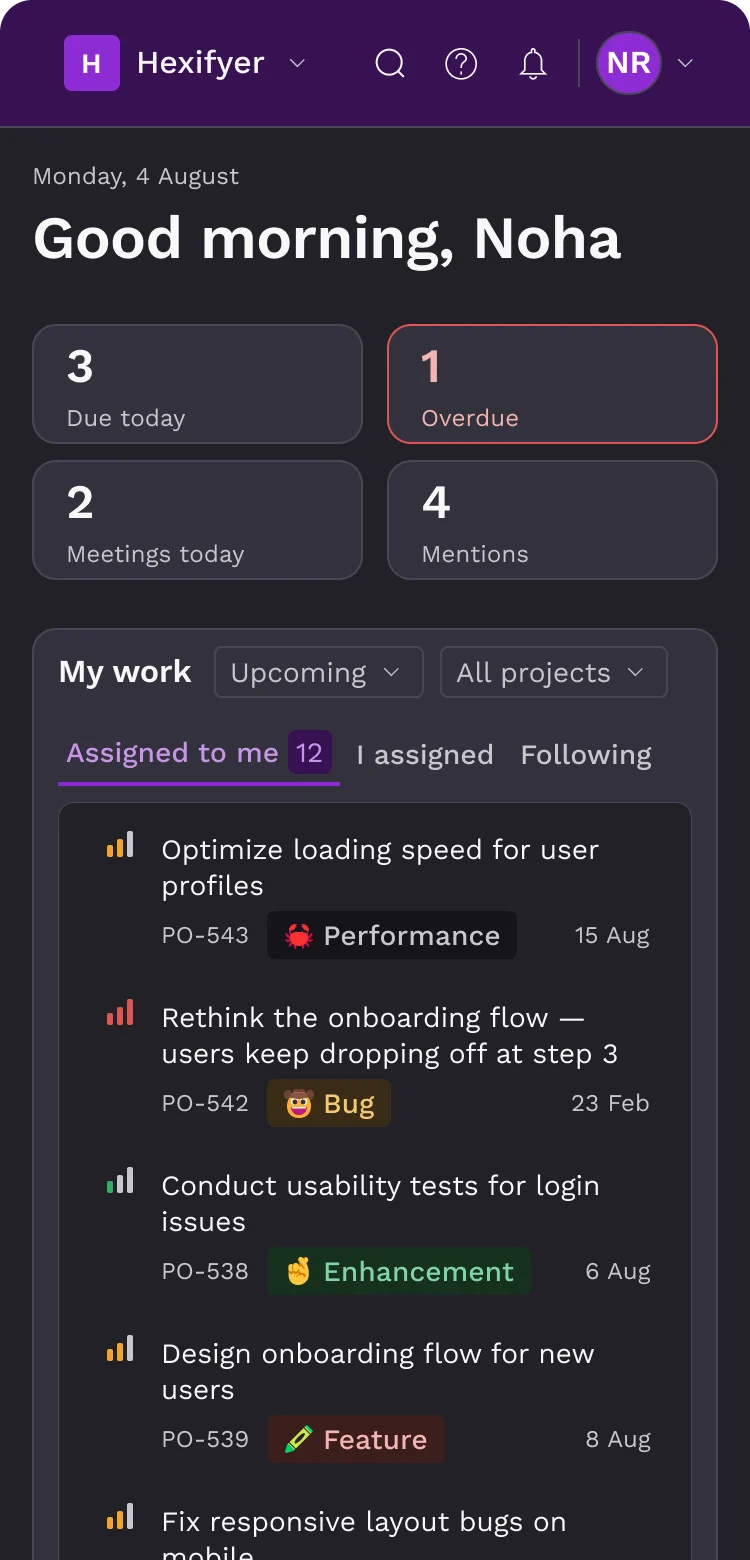
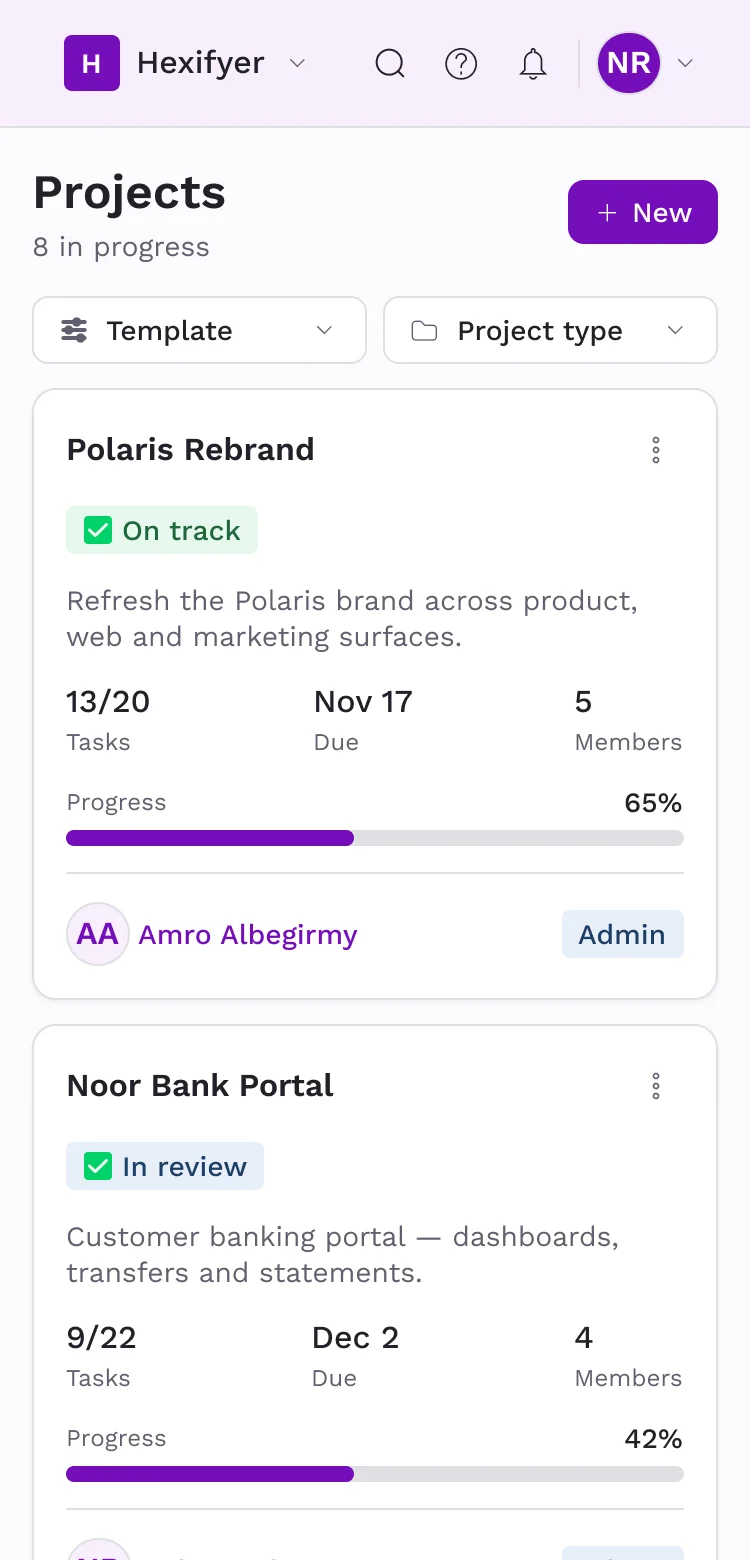
The same workspace on your phone. Catch up on the team chat, check your tasks and capture ideas wherever you are.
Priced per editor seat. Viewers are always free.
For a small team trying capture-first work.
Start freeFor teams running their projects in Polaris every day.
Choose ProEverything a growing product team needs, with Meetings and Assets.
Start 14-day free trialNeed more AI? Credit packs from $10 — 50, 240, or 700 credits, shared across the workspace.
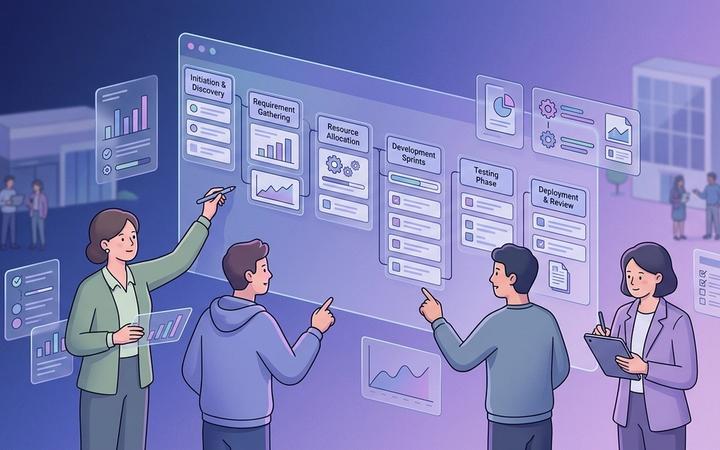
Learn how to create a project plan that gives your team clear goals, responsibilities, timelines, dependencies, and a practical path to execution.

Learn how teams can make better decisions under uncertainty by clarifying responsibilities, gathering useful input, and assigning decision ownership.

Learn why team alignment matters for project success and how clear goals, ownership, communication, and shared information can reduce rework.
Set up your workspace, invite your people and capture your first idea in under a minute.
Start free with your team